Maintaining Duplicate Vendor Records
When you upload an invoice, EasyInvoiceManager’s OCR scans the invoice and creates both an invoice record and a vendor record.
When another invoice from the same vendor is uploaded, the system normally associates the new invoice with the existing vendor. However, if a small detail on the invoice causes the vendor information to appear different, EasyInvoiceManager may create a new vendor record instead.
This can occasionally result in duplicate vendor records for the same vendor.
We recommend that the primary user periodically review the vendor list for duplicate records.
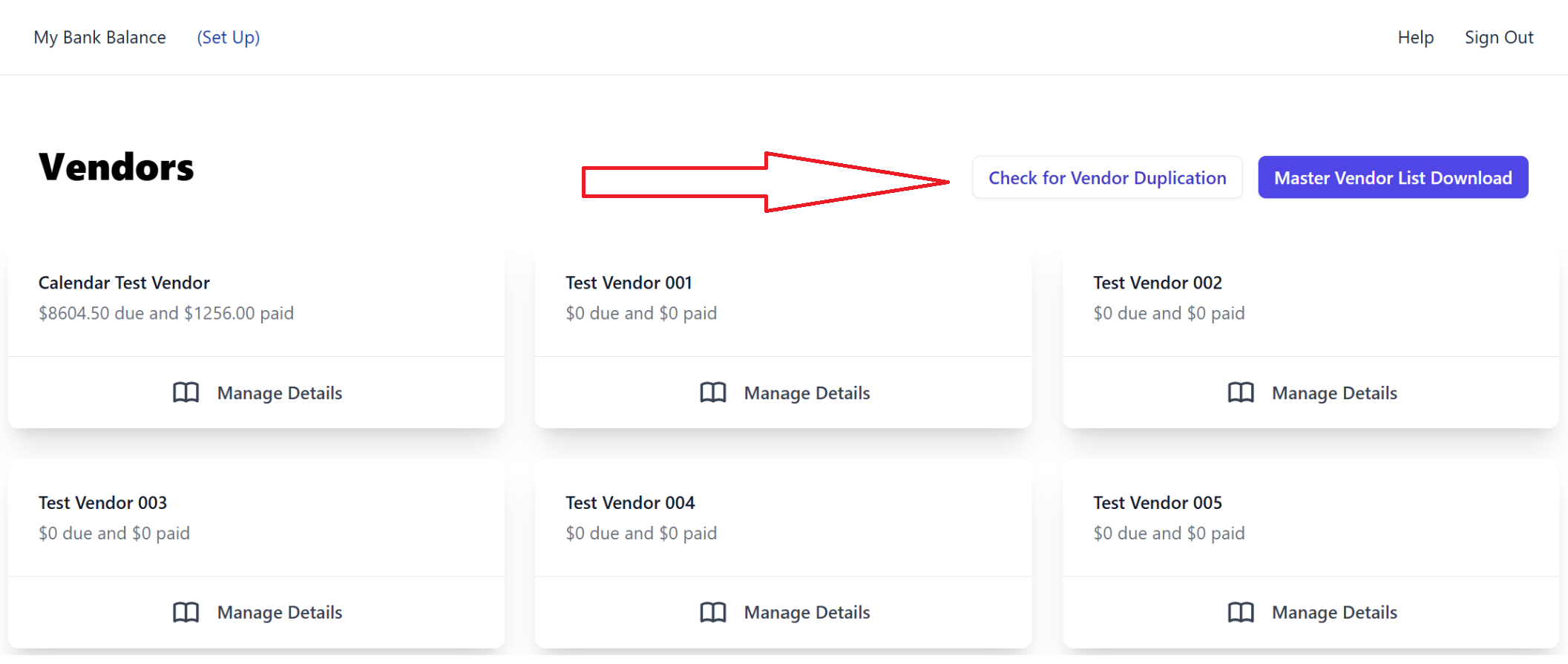
The Duplicate Vendor Maintenance button shown here provides a simple way to identify and maintain duplicate vendor records, helping keep your vendor master list accurate and organized.
Note: Feature only available on Premium Subscriptions (AP worker accounts have this feature)
Was this article helpful?
That’s Great!
Thank you for your feedback
Sorry! We couldn't be helpful
Thank you for your feedback
Feedback sent
We appreciate your effort and will try to fix the article